
Features of billing software
Multi-tasking
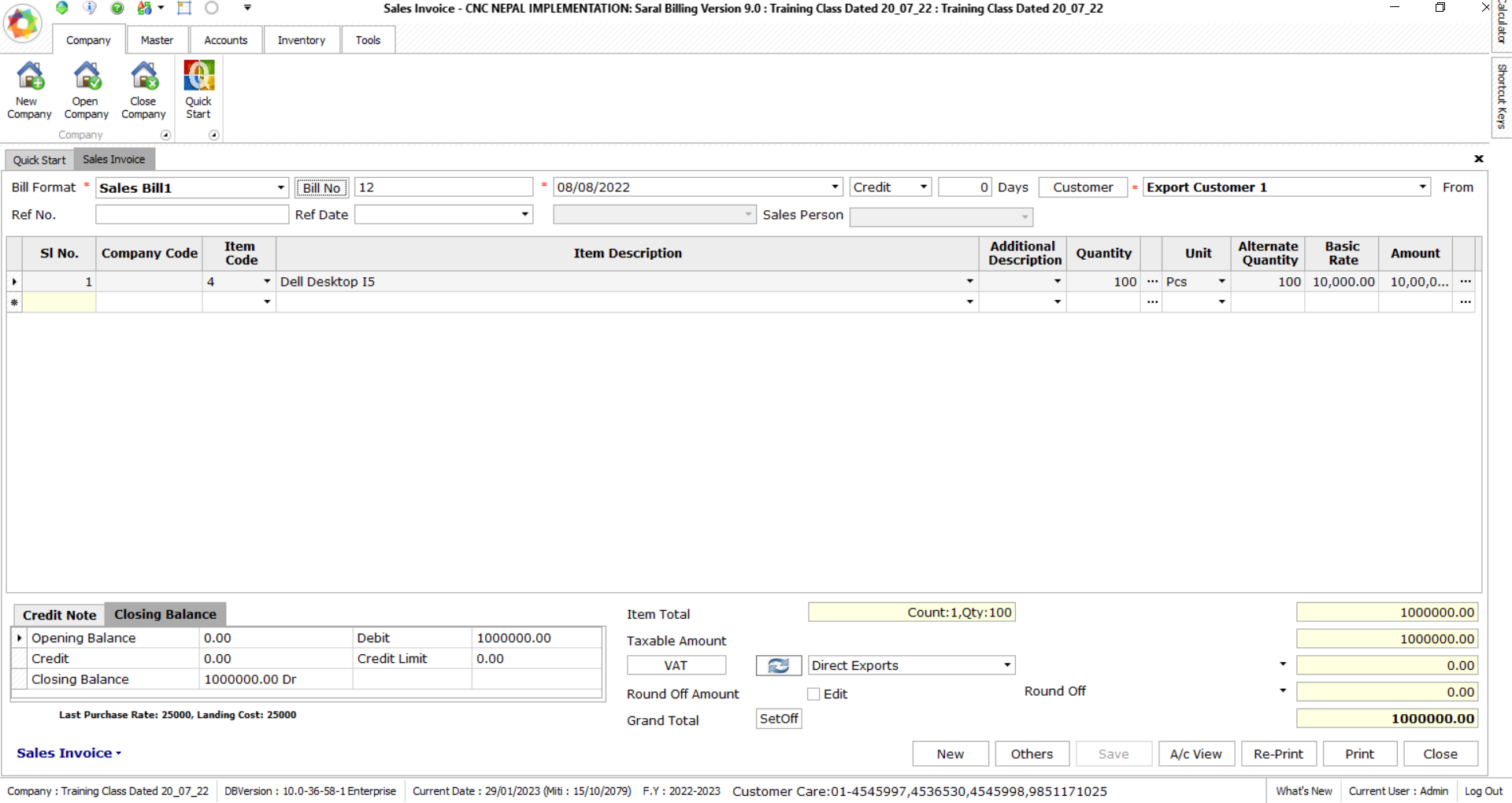
Using Saral Billing, you can multi-task and handle day-to-day interruptions. If you are in the middle of the sales invoice and need to record another new voucher? You are in the middle of making sales invoice but got a call from a customer inquiring about the stock position or pending order? There is an immediate need to print another report being in the middle voucher entry.
With Saral Billing, you will be able to handle many such situations without the hassle of switching between multiple instances of Saral Billing or the worry of losing your progress
Multi-currency support
Business transactions are mostly not confined to dealing with only local parties. Many organizations have transactions in more than one currency for which foreign currency accounting is required. With Saral Billing, you can record invoices, quotations, orders, accept payments and receive bills in foreign currency. The gains or losses in Forex that occur due to daily variations in currency rates are auto-calculated and can be adjusted by simply recording a journal entry.
Beside this there is option to enable forex transaction format wise which will make easier to input the forex rate item wise.
Flexible invoice customization
One can personalize the invoice according to his/her preference plus configure invoice with additional options such as inclusive of tax, discount column, custom field availability for bill level as well as item level. etc., as per business requirements.
Also add logo and other delivery details (Vehicle no, transport name, document number, driver name & phone number …) in your invoice.
Easy to capture occasional details on the invoice
Saral Billing lets you capture occasional details that come with dealing with a particular supplier or customer or a particular transaction type, without disturbing the flow that you are most used to. Let’s say, occasionally you deal with exports or consignor-consignee type of transitions that requires you to mention the additional details. You can simply click on ‘other details’ to capture it before saving the bill. This way, you will be able to capture occasional details without disturbing the regular flow of data entry.
Additional invoicing and billing features in Saral Billing
• Within 5 Click billing will be done • Both Tax Facility item wise as well as Bill level • Your bills receivables and payables are managed automatically while you save your invoice • You can pre-set the details such as Pre Tax ledgers, additional ledgers etc. to reduce the repetitive data entry in the invoice • You receive support for promotional transactions such as free Quantity , schemes, & Multiple price Group • Sales Person wise bill entry with Commission & incentive calculation • Facility For Cash, Credit & Coupon TransactionWhy do businesses need billing software?
Removes manual data entry, and ensure that figures are accurate and saves time of the accountant to do other important work rather than doing a normal bill entry job. Lastly, as entered Sales, Credit Note and Purchase voucher can’t be deleted or edited, it is very good for an organization and government
Here are some of the key benefits of billing software • Faster billing and invoicing • Reduce late payments and maintain cash inflow • Streamline your accounting and financial processes • Generating invoices anytime, anywhere • Customize bills and invoices based on your requirements